
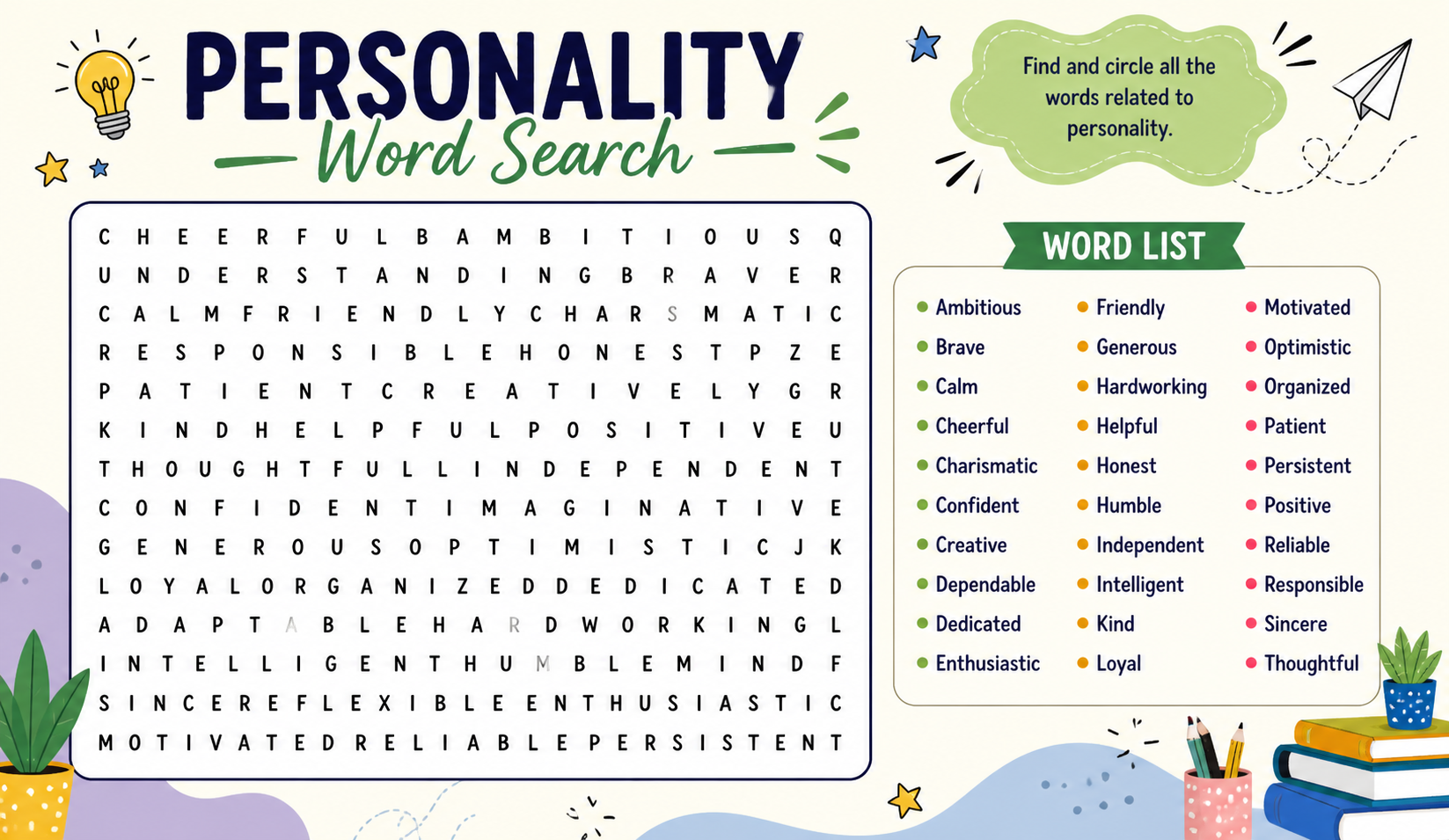
There’s something almost rebellious about opening a word search puzzle in the middle of a cybersecurity course. While everyone else is grinding through 40-tab browser sessions and color-coded notes, you’re sitting there hunting letters in a grid like it’s 1994. And yet — you’re remembering more. That’s the quiet secret behind IT word search puzzles, and more educators and self-learners are catching on.
This isn’t about dumbing down tech education. It’s about using a deceptively simple format to do something genuinely difficult: make technical vocabulary stick without the mental fatigue that comes with traditional study methods.
Why Memorizing IT Terminology Is Harder Than It Looks
Ask any computer science student or IT bootcamp graduate what their biggest early struggle was, and the answer is almost always the same the language.
These aren’t just difficult to understand they’re difficult to remember, because they don’t connect to anything familiar. Unlike learning history (where events have narrative and emotion) or learning a language (where words mirror everyday objects), IT terminology exists in an abstract technical world with very few memory hooks.
This is where traditional study methods start to crack. Flashcards work until you have 200 of them. Glossaries work until your eyes glaze over. Video tutorials work until you realize you’ve been watching passively for an hour without retaining much.
IT word search puzzles offer a different entry point and the reason they work is rooted in how memory actually forms.
The Cognitive Science Behind Why IT Word Search Actually Works
When you scan a word search grid,Heavens Crossword Puzzle, your brain isn’t operating on autopilot. It’s actively comparing letter sequences, identifying patterns, and filtering irrelevant combinations in real time. This is called visual discrimination the ability to distinguish meaningful patterns from noise.
Here’s what makes it effective for technical vocabulary specifically:
Repetition without boredom. Your eyes cross the same words multiple times before finding them. Each pass reinforces recognition without the monotony of re-reading a definition.
Contextual clustering. A cybersecurity-themed word search doesn’t just contain one term it contains firewall, phishing, encryption, malware, vulnerability, and authentication all in the same grid. Your brain begins to group these terms together naturally, building the kind of associative memory that makes recall faster and more reliable.
Low cognitive load. Unlike reading a textbook chapter, a word search doesn’t demand deep processing. This makes it ideal as a warm-up activity it engages the brain without exhausting it before the heavier learning begins.
This is also why IT word search puzzles are particularly effective for neurodiverse learners, including those with ADHD or dyslexia, who often struggle with linear, text-heavy study formats but thrive with visual, pattern-based tasks.
Who Should Be Using IT Word Search Puzzles (And How)
High School and College Students
If you’re studying for a computer science exam or preparing for an IT certification like CompTIA A+, Network+, or Security+, themed word searches are an underrated prep tool. Use them at the start of a study session not the end. They prime your brain to recognize key terms before you hit the harder material.
IT Teachers and Bootcamp Instructors
Word searches are one of the most flexible classroom tools available. They require zero technical setup, work equally well on paper or screen, and can be created in minutes using free online generators.
More importantly, they create low-stakes engagement. Students who feel anxious or behind in a technical course can complete a word search successfully, which builds confidence and reestablishes positive association with the subject matter. That psychological shift is genuinely valuable.
Adult Learners and Career Switchers
If you’re transitioning into IT from a non-technical background, you’re not just learning new skills you’re learning a new language. A custom word search built around your current study module (cloud computing, database management, network security) gives you repeated exposure to new vocabulary in a format that doesn’t feel overwhelming.
IT Word Search by Topic: What to Look For
Not all IT word searches are created equal. The best ones are tightly themed and built around real-world terminology. Here are the most educationally valuable categories:
Networking Fundamentals Router, switch, gateway, firewall, IP address, subnet mask, DNS, DHCP, topology, bandwidth, latency, VPN
Cybersecurity Essentials Malware, phishing, ransomware, encryption, authentication, vulnerability, patch, intrusion, firewall, two-factor
Programming Concepts Variable, loop, function, array, class, object, syntax, compiler, algorithm, debugging, API, library
Hardware and Systems CPU, RAM, SSD, motherboard, GPU, BIOS, peripheral, driver, server, cache, operating system
Cloud and Modern Infrastructure SaaS, IaaS, PaaS, container, virtualization, scalability, load balancer, microservices, DevOps, CI/CD
Each of these categories maps directly to real IT certification exam domains, making them genuinely useful for structured study not just casual entertainment.
A Unique Angle: The “Pre-Load” Effect in Technical Learning
In educational psychology, this is sometimes called the pre-load effect the idea that exposing learners to key terms before formal teaching begins reduces cognitive overload when those terms appear in context.
Think about it this way. If you walk into a networking lecture having never seen the word topology before, your brain has to do two jobs simultaneously: decode what the word means and understand the concept being explained. That’s a heavy cognitive split.
But if you’ve encountered topology fifteen times in a word search grid that morning even without knowing its definition your brain already recognizes it as a real, meaningful word. When the instructor explains it, there’s only one job left: attach the meaning to something already familiar. That’s a significantly easier task.
This is why IT word searches work best when used before learning new material not after. Most people use them as review, which is fine, but using them as a preview is where the real learning advantage lies.
How to Find and Use Quality IT Word Search Puzzles
If you’re ready to add IT word search to your study routine, here’s how to get started without wasting time on low-quality resources:
Look for curriculum-aligned puzzles. The best IT word searches are built around real exam objectives and industry-standard terminology not random tech buzzwords.
Use themed sets, not random generators. A puzzle that mixes networking, security, and programming terms in one grid doesn’t reinforce any single topic effectively. Focused, single-topic puzzles are significantly more useful.
Go interactive when possible. Digital word searches with built-in glossaries, hint systems, and topic filters add an extra layer of learning. You can find well-organized, topic-specific IT word search puzzles at IT Word Search where puzzles are categorized by IT domain and difficulty level, making them practical for both classroom use and independent study.
Pair with active recall. After completing a puzzle, close it and try to write down as many of the terms as you can remember. This single step transforms a passive recognition exercise into an active retrieval practice one of the most research-supported learning techniques available.
Building Your Own: A 5-Minute Custom IT Word Search
Creating a custom puzzle for your specific study needs takes almost no time:
- Pick one IT topic you’re currently studying
- List 12–18 key terms from that topic
- Open a free tool, Puzzle Maker, WordMint, or Crossword Labs all work well
- Paste your word list, choose grid size, and generate
- Add a short glossary beneath the puzzle for self-checking after completion
Custom puzzles are also excellent content for tech blogs, educational websites, and teacher resource pages they’re shareable, practical, and consistently searched for online.
Conclusion
IT word search puzzles aren’t a replacement for rigorous technical study. They’re a complement a low-friction way to build vocabulary familiarity, reduce cognitive load, and make the early stages of technical learning less intimidating.
The fact that they’re enjoyable is almost beside the point. What matters is that they work. And in a field where the terminology alone can drive beginners away before they’ve even started, anything that keeps learners engaged and building momentum is worth taking seriously.
