
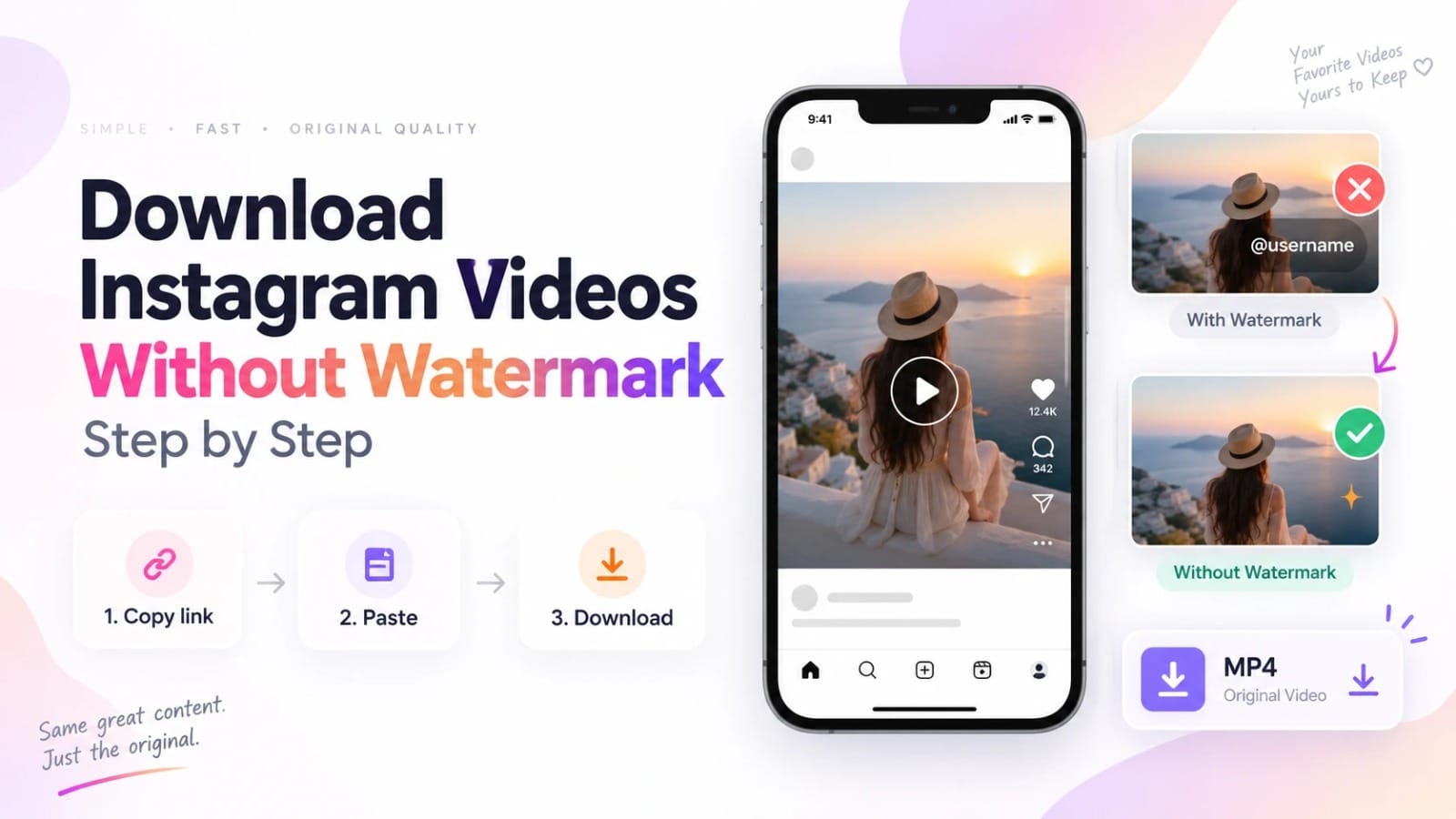
Instagram’s native download option adds your username as a watermark — which is useful for sharing your own Reels with attribution, but not helpful if you want a clean copy. For someone else’s video, there’s no native download at all. A browser-based tool that retrieves the original stored file bypasses both problems: it delivers the MP4 exactly as Instagram stores it, before any watermark is applied. Here’s exactly how to use an instagram downloader without watermark — step by step, for any device.
Which Methods Add a Watermark — and Which Don’t
Method
Does it add a watermark?
Instagram native download (your own Reels)
Yes — your username is stamped on the video
Screen recording
No Instagram watermark, but UI elements are baked in
Third-party apps that re-encode
Sometimes — some add their own logo during re-encoding
Browser-based downloader (direct file fetch)
No — retrieves the original stored file before any branding is applied
The key insight: watermarks are added at export time, not stored in the file. Instagram’s servers store clean MP4 files. The watermark is only applied when Instagram’s own export pipeline generates a shareable version. A downloader that fetches the stored file directly never touches that pipeline.
How to Download Without Watermark — Step by Step
Open reelsvideo.io in any browser. Free, no sign-up.
- Open Instagram and find the video you want to download.
- Tap the three dots (••• on iPhone, ⋮ on Android) on the post.
- Select Copy link.
- Go to reelsvideo.io in your browser.
- Paste the link and tap Download.
- The original MP4 saves to your device — no watermark, original HD quality.
On Android
Chrome downloads the file directly to your Downloads folder and it appears in Gallery automatically. The file is the original stored MP4 — clean, no watermark of any kind.
On iPhone
Safari sometimes plays the video in the browser. Fix: tap and hold the video → Download Linked File → file goes to Files → Downloads. To move to Photos: tap file → Share → Save Video.
On PC or Mac
Copy the link, paste into reelsvideo.io, click Download. If the video opens in the browser instead of downloading, right-click → Save video as. The downloaded file is the original watermark-free MP4.
What About Downloading Your Own Instagram Videos Without Watermark?
Instagram’s native download for your own Reels always adds your username as a watermark. If you want a clean copy of your own video — for editing, re-uploading elsewhere, or archiving — the same process works. Copy the link to your own post, paste it into reelsvideo.io, and download. The result is your original video without any Instagram branding.
Why Do Some Downloaders Still Add a Watermark?
Some tools don’t retrieve the original file — they re-encode the video on their own servers before delivering it. During that re-encoding step, they can composite their own logo onto the frames. A tool that retrieves and delivers the original stored file has no re-encoding step, so there’s no opportunity to add anything.
If a downloaded video has a third-party logo or banner, the tool you used re-encoded it. Switch to a tool that delivers the original file directly.
Frequently Asked Questions
Does the downloaded video have any Instagram branding at all?
No. The stored file on Instagram’s servers contains only the video content — no username overlay, no Instagram logo. That’s what you receive when a downloader fetches the file directly.
Will the creator know I downloaded their video?
No. Instagram doesn’t notify creators about downloads made through external tools.
Is there a download limit?
No limits. Download as many watermark-free videos as you need, completely free.
The Original File Is Always Clean
Instagram stores video files without watermarks — the watermark is only added when their export pipeline generates a shareable version. A downloader that goes directly to the stored file skips that pipeline entirely. Copy the link, go to reelsvideo.io, paste and download — the result is the clean original, every time. That’s what makes a real instagram downloader without watermark work — not removal, but prevention.
